- 01
Choose your album
Layflat or Photobook, size, paper, cover and box.
- 02
Upload your files
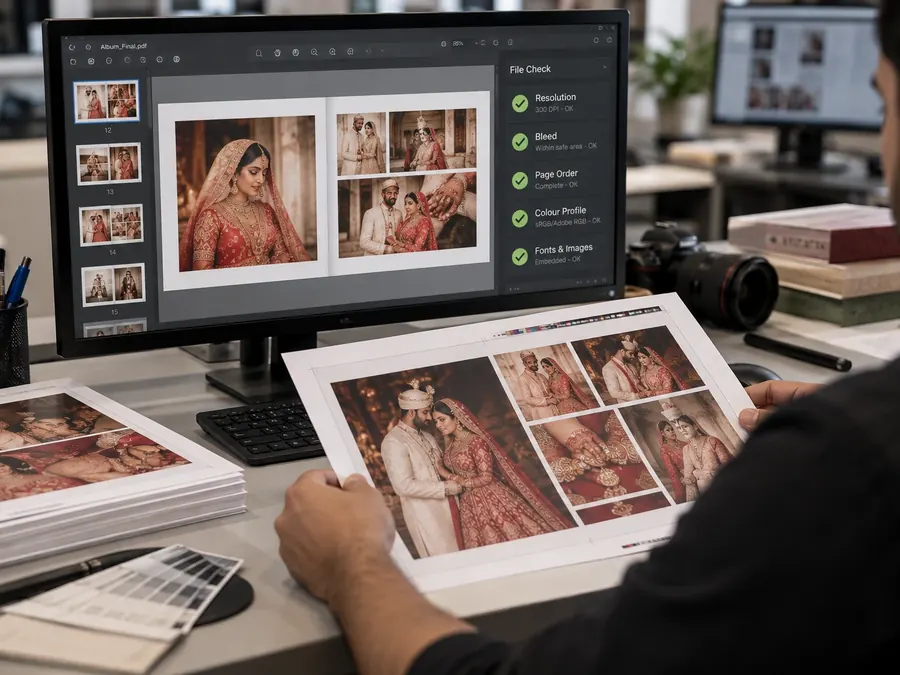
PDF, JPG, TIFF or ZIP, sent straight to Bright production. Large uploads resume if your connection drops.
- 03
Review and submit
Check every specification once. The order and files are then locked.
- 04
Track production
See when files are received, printed, checked, packed and dispatched.
Sign in with your Google account. Prefer email? Send your files and order details to [email protected], see How to order by email.